
Programming a BMW key fob is an essential process for car owners who need to add or replace a key. This guide will walk you through the steps to successfully program your BMW key fob, ensuring that you can access your vehicle with ease.
With the increasing complexity of modern car security systems, understanding how to program a BMW key is crucial. This article will provide you with a comprehensive overview of the process, covering the necessary tools and steps required to complete the task.
Key Takeaways
- Understand the importance of programming a BMW key fob
- Learn the necessary tools and steps required for programming
- Discover how to troubleshoot common issues during the programming process
- Gain confidence in programming your BMW key fob
- Save time and money by programming your key fob yourself
Understanding BMW Key Fobs and Their Functions
Understanding the intricacies of BMW key fobs is essential for any BMW owner looking to maximize their vehicle’s potential. BMW key fobs are sophisticated devices that play a crucial role in the overall ownership experience, offering a range of functionalities that enhance convenience, security, and control over the vehicle.
Types of BMW Key Fobs and Their Capabilities
BMW offers various types of key fobs, each with its unique capabilities and features. The most common types include the standard key fob, which provides basic remote control functions, and the Smart Key, which offers advanced features such as proximity detection and customizable settings.
How BMW Key Fobs Communicate with Your Vehicle
BMW key fobs communicate with the vehicle through radio frequency signals. When a button is pressed on the key fob, it sends a coded signal to the vehicle’s receiver, which then interprets the signal and performs the corresponding action. This communication is secured through encryption to prevent unauthorized access.
Common Features and Buttons on BMW Key Fobs
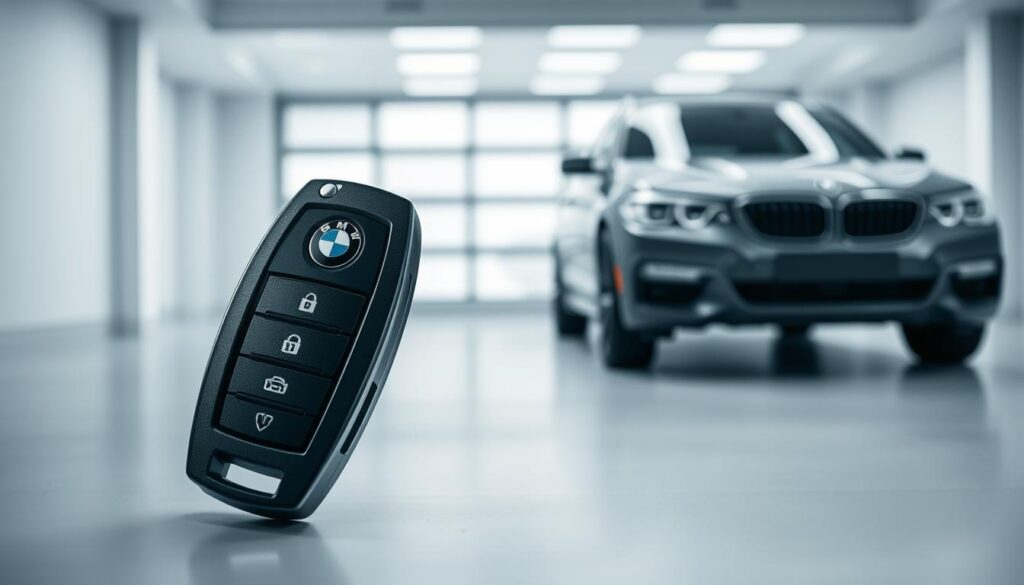
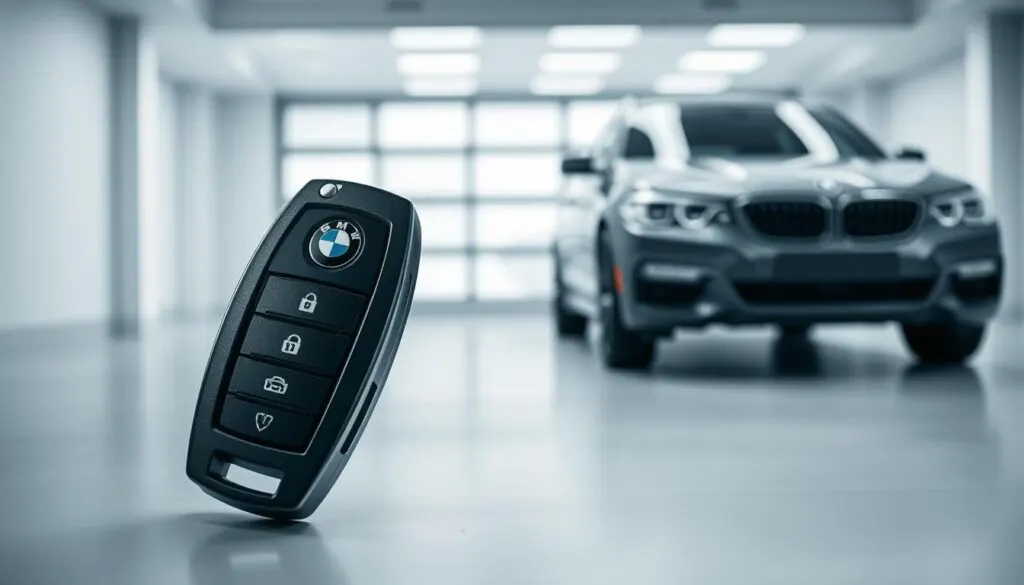
Most BMW key fobs come equipped with a set of standard buttons and features, including lock, unlock, and panic alarm. Some models may also include additional features such as remote start and vehicle status indicators. Understanding these features is key to leveraging the full potential of your BMW key fob.
When and Why You Need to Program a BMW Key Fob
Understanding when to program your BMW key fob is essential for maintaining your vehicle’s security and functionality. Programming is required in several key situations.
Replacing a Lost or Damaged Key Fob
If your BMW key fob is lost or damaged beyond repair, you’ll need to program a new one to regain access to your vehicle. Replacing a lost or damaged key fob involves not only obtaining a new fob but also ensuring it’s properly programmed to work with your BMW’s immobilizer system.
Battery Replacement Reprogramming Requirements
After replacing the battery in your BMW key fob, it may need to be reprogrammed, depending on the model and year of your vehicle. Some BMW models require reprogramming after a battery change, while others may not.
Adding a New Key Fob to Your BMW
If you want to add an additional key fob to your BMW, you’ll need to program it to work with your vehicle. This process involves synchronizing the new fob with your BMW’s onboard computer.
In summary, programming a BMW key fob is necessary when replacing a lost or damaged fob, potentially after a battery replacement, and when adding a new fob. Ensuring your key fob is properly programmed is crucial for the security and convenience of your BMW ownership experience.
Preparing to Program Your BMW Key Fob
Before you start programming your BMW key fob, it’s essential to prepare properly. This preparation ensures that the programming process is smooth and successful.
Tools and Materials Needed
To program your BMW key fob, you will need a few tools and materials. These may include the new key fob, your vehicle’s owner’s manual, and potentially a BMW-specific programming tool or device. Having the right tools ready will make the process more efficient.
Checking Key Fob Compatibility with Your BMW Model
Not all key fobs are compatible with every BMW model. It’s crucial to verify that your new key fob is compatible with your vehicle. You can check the owner’s manual or consult with a BMW dealership or locksmith to confirm compatibility.
Safety Precautions Before Starting
Before you begin the programming process, ensure you are in a safe location and follow any necessary safety precautions. This includes parking on a level surface and ensuring the vehicle is in park. Safety should always be your top priority when working with your vehicle.
How to Program a BMW Key Fob: Step-by-Step Methods
There are multiple ways to program a BMW key fob, each with its own set of steps. The method you choose may depend on the model of your BMW and the type of key fob you are using. In this section, we will explore three primary methods: using the driver’s door lock, the on-board computer system, and the key slot method.
Programming Using the Driver’s Door Lock Method
The driver’s door lock method is a convenient way to program a BMW key fob without needing specialized equipment. This method is particularly useful for certain BMW models.
Detailed Steps for 3 Series, 5 Series, and X Models
For 3 Series, 5 Series, and X models, the process involves a series of steps that must be followed precisely.
- Insert the key into the driver’s door lock and turn it to the unlock position.
- Press and hold the unlock button on the key fob.
- While holding the unlock button, turn the key to the lock position and then back to the unlock position.
- Release the unlock button. The doors should now lock and unlock, indicating that the key fob has been programmed.
Timing Requirements and Button Sequences
Timing is crucial when programming a BMW key fob using the driver’s door lock method. The sequence of button presses and the timing between them must be accurate.
- Ensure the key is in the ignition and the ignition is in the “off” position.
- Press the “lock” button on the key fob three times with a one-second interval between each press.
- Then, press the “unlock” button once.
Programming Through the On-Board Computer System
Many modern BMW models come equipped with an on-board computer system that allows for key fob programming through the iDrive interface.
iDrive System Navigation for Key Programming
To program a key fob using the iDrive system, navigate to the “Settings” menu, then to “Vehicle Settings,” and finally to “Remote Key.”
- Select “Program Key Fob.”
- Follow the on-screen instructions to complete the programming process.
Model-Specific Menu Options
Depending on your BMW model, the menu options may vary. For some models, you may need to access the “Security” menu to find key fob programming options.
Programming with the Key Slot Method
The key slot method involves using the key slot in the ignition or center console to program the key fob.
Steps for BMW Models Before 2005
For models before 2005, insert the key into the key slot and turn it to the “on” position. Then, press and hold the “lock” and “unlock” buttons on the key fob simultaneously for a few seconds.
Steps for BMW Models After 2005
For models after 2005, the process is slightly different. You will need to use the iDrive system or a diagnostic tool to program the key fob.
Key Takeaways:
- Multiple methods are available for programming a BMW key fob.
- The driver’s door lock method is convenient for certain models.
- The on-board computer system provides a user-friendly interface for key fob programming.
- The key slot method is used for older models or as an alternative.
Troubleshooting Common Programming Issues
Troubleshooting is a crucial step in successfully programming a BMW key fob. Despite following the correct programming steps, some issues may still arise that can hinder the process.
Key Fob Not Responding After Programming
If your key fob is not responding after programming, check the battery to ensure it is properly installed and has sufficient charge. Sometimes, a simple battery check can resolve the issue.
Re-pair the key fob with your vehicle by repeating the programming process. This can often resolve connectivity issues between the key fob and the vehicle.
Vehicle Not Recognizing the Key Fob
If your vehicle is not recognizing the key fob, try re-synchronizing the key fob with your vehicle’s computer system. This may involve reprogramming the key fob or checking for any software updates for your vehicle’s onboard computer.
Programming Timeout Issues
Programming timeout issues can occur if the programming process is not completed within the required timeframe. Ensure you are following the programming steps quickly and accurately to avoid timeouts.
Verifying Successful Programming
To verify that the key fob has been successfully programmed, test all its functions, including locking, unlocking, and starting the vehicle. If any function does not work as expected, you may need to reprogram the key fob or consult a professional.
By following these troubleshooting tips, you can resolve common issues that may arise during or after programming your BMW key fob, ensuring that it functions correctly and reliably.
Conclusion
Programming a BMW key fob is a straightforward process once you understand the steps involved. By following the methods outlined in this guide, you can successfully program your key fob to work seamlessly with your vehicle. Whether you’ve lost your key fob, need to replace the battery, or want to add a new fob, the steps provided in this article will help you achieve your goal.
To program your BMW key fob, you can use one of several methods, including the driver’s door lock method, the on-board computer system, or the key slot method. Each method has its own set of steps, but all are designed to be easy to follow. By understanding how to program BMW key fob, you can ensure that your vehicle remains secure and accessible.
This BMW key programming guide has walked you through the necessary steps and precautions to take when programming your key fob. With practice, you’ll become proficient in programming your BMW key fob, making it easier to manage your vehicle’s access.
FAQ
What is the purpose of programming a BMW key fob?
The purpose of programming a BMW key fob is to synchronize it with your vehicle, allowing you to start the engine, unlock, and lock the doors remotely. Programming is required when you replace a lost or damaged key fob, add a new key fob, or after a battery replacement.
How do I know if my BMW key fob is compatible with my vehicle?
To check compatibility, refer to your BMW owner’s manual or consult with a BMW dealership or locksmith. They can verify if your key fob is compatible with your BMW model and provide guidance on programming.
What are the common issues that may arise during BMW key fob programming?
Common issues include the key fob not responding after programming, the vehicle not recognizing the key fob, and programming timeout issues. Troubleshooting tips can be found in the relevant section of this guide.
Can I program a BMW key fob myself, or do I need professional assistance?
You can program a BMW key fob yourself using the methods outlined in this guide, such as the driver’s door lock method or the on-board computer system. However, if you’re unsure or encounter issues, it’s recommended to consult a BMW dealership or locksmith for assistance.
How do I verify that my BMW key fob has been successfully programmed?
To verify successful programming, try locking and unlocking your vehicle using the key fob, and attempt to start the engine. If the key fob is working correctly, it’s a good indication that the programming was successful.
What should I do if my BMW key fob is not responding after programming?
If your key fob is not responding, check the battery level and replace it if necessary. Try reprogramming the key fob, and if the issue persists, consult a BMW dealership or locksmith for further assistance.
Are there any specific timing requirements or button sequences I need to follow when programming my BMW key fob?
Yes, specific timing requirements and button sequences are necessary for successful programming. Refer to the detailed steps outlined in this guide for your BMW model.
Can I add multiple key fobs to my BMW, and if so, how?
Yes, you can add multiple key fobs to your BMW. The process involves programming each key fob individually using the methods outlined in this guide. Consult your BMW owner’s manual or a dealership for specific guidance on adding multiple key fobs.