
This guide explains what the suite includes, what it does not, and why many owners think they “bought everything” when they actually purchased only one layer of services.
Quick clarity: the offering is a connectivity suite that bundles digital services, driver assistance, and an app ecosystem. It works through the in-car screen and the companion app, using built-in cellular access and over-the-air updates.
We will compare real-world value against ongoing subscription cost and the renewal friction some drivers face on the My Garage portal. Expect a practical look at remote controls in the app, navigation and traffic tools, voice assistant use, map updates, and concierge-style support.
One common confusion is Remote Engine Start. It may show as “not included” in some bundles and can need a separate purchase depending on vehicle eligibility. Services often expire at different times, and renewal screens can show checkmarks that block adding items to cart.
This piece is for U.S. owners who received an “expiring soon” alert, first-time renewers, or anyone weighing renewal. It breaks down included apps and services, subscription structure, and clear steps to confirm eligibility and renew correctly.
Key Takeaways
- Understand that the suite is layered; a single purchase may not unlock every service.
- Compare daily convenience to subscription cost before renewing.
- Check the app for remote controls and verify Remote Engine Start eligibility.
- Watch renewal screens on My Garage for misleading checkmarks that block options.
- This guide shows how to confirm eligibility and renew without surprises.
BMW Connected Package Pro 2026 : Features, Apps, Cost, and Is It Worth It?
This suite groups in-car digital tools, driver-assist services, and the mobile app into one unified platform for daily use.

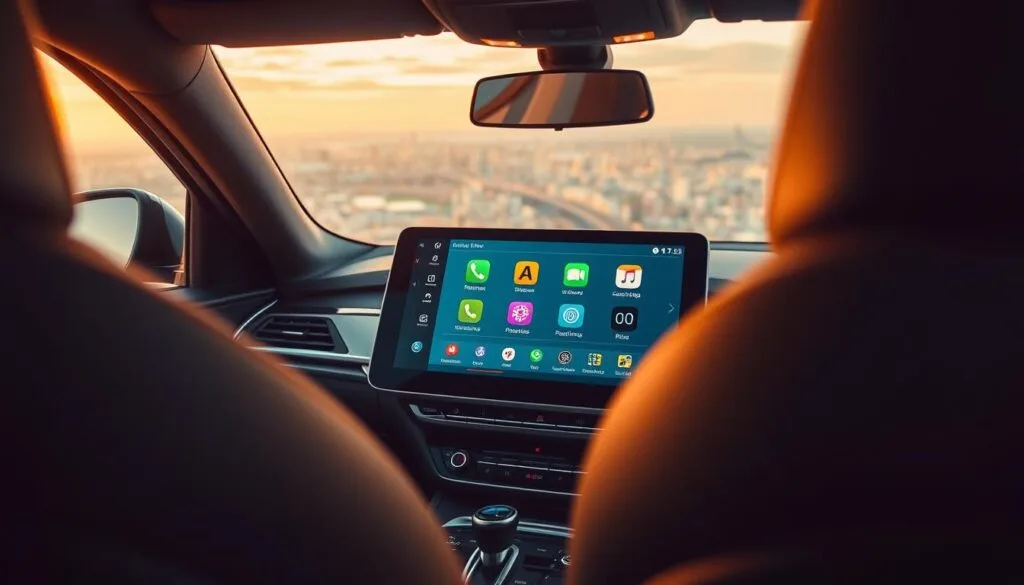
What “ConnectedDrive” means in 2026
Connected drive now names a unified ecosystem with three parts: digital services, driver assistance, and the mobile app that ties them together. The framing stresses remote controls, safety tools, and phone-based planning as one seamless offering.
How it works day-to-day
You use the in-car screen for navigation, media, and settings while the app handles remote actions and trip planning from your phone.
The vehicle stays online with an embedded 4G SIM, so services run without a phone hotspot. Over-the-air updates install often overnight, which lets features improve over time.
Who this is for in the United States
- Commuters who want fewer surprises and faster starts.
- Road-trippers needing traffic-aware routing and planning services.
- EV drivers who need range and charger planning to make life easier.
- Multi-driver households where profiles make the same car feel personal.
Next: the article will list what typically comes included, what’s optional, and why eligibility can vary by model, year, and hardware.
Features and apps included: what you actually get with BMW ConnectedDrive
This section breaks down the digital services you actually get, with clarity on what works day-to-day. The list below focuses on practical tools that owners use most often: remote access, navigation aids, voice controls, and vehicle info.
Remote Services basics
Lock/unlock, check status, and find the car. Remote services let you lock or unlock doors, check open windows or charging state, view vehicle status, and use location tools inside the bmw app. These functions are the everyday convenience layer that keeps owners returning to the app.

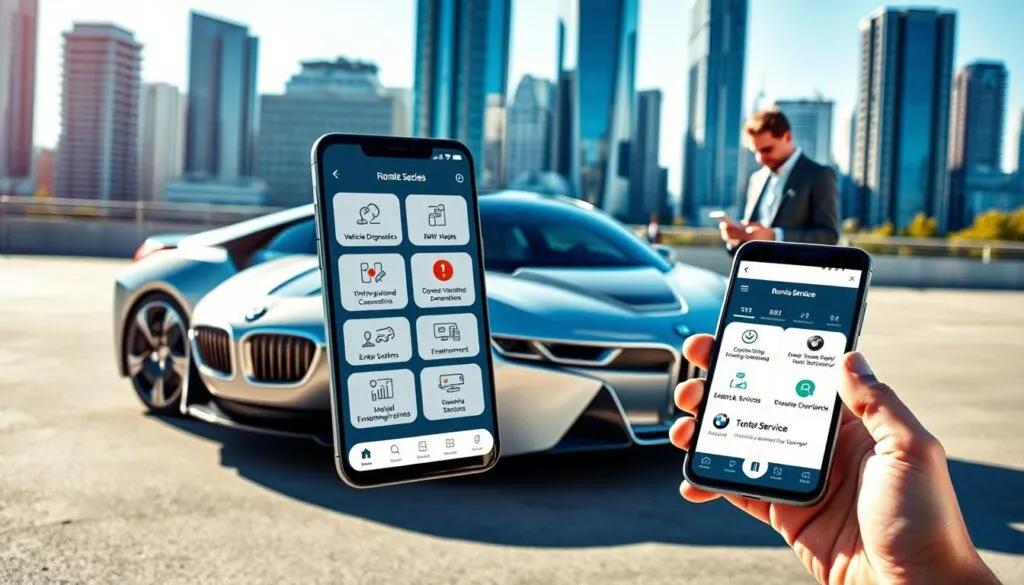
Remote Engine Start confusion
When a screen says “not included,” it often means Remote Engine Start is sold as a separate add-on. If you don’t see it for sale, check the VIN-linked account: eligibility can vary by year, region, or equipment.
Navigation, My Journey, and map updates
My Journey tools provide real-time traffic, improved route planning, ETA refinement, and on-the-fly reroutes. Navigation map updates change roads, POIs, and routing rules. Some owners see separate expirations for map updates—these matter most for new roads or frequent long trips.
Voice, concierge, My Car, and entertainment
The Intelligent Personal Assistant offers voice controls that learn over time for navigation, calls, and vehicle functions. Concierge-style help is human-assisted info or bookings and may appear as its own line item with a different expiration. My Car gives service reminders, driving efficiency data, and software updates. My Life covers smartphone integration and supported streaming apps for in-car entertainment.
- Remote services are the must-have daily tools.
- Use the bmw app to confirm eligibility and location functions.
- Expect separate expirations for map updates and concierge service.
Cost, subscription terms, and renewals in 2026
Renewal options can be limited by existing coverage, eligibility, or overlapping services. That simple fact explains why your shopping cart may show items with a checkmark but no “Add” button.
How the subscription model works
The seller offers bundled packages plus individual add-ons. Your vehicle’s VIN, hardware, and prior activations determine what appears as purchasable.
In practice: some bundles include services that block standalone purchases, which creates the “not addable” checkmark scenario.
Renew the right way
- Log into myBMW and open My Garage on the USA site.
- Select the correct vehicle and view “My Digital Services.”
- Shop from the VIN-linked options so you only buy eligible items.
Why expiration dates differ
ConnectedDrive, navigation map updates, and concierge often have separate terms. That leads to different expiration times across the year.
Remote engine start may appear only after account pairing, acceptance of terms, or when hardware eligibility is confirmed.
- After purchase, re-check My Digital Services and the app to confirm updated dates.
- Allow overnight provisioning; some changes take time to appear on the screen.
- Forum posts and bmw forum threads show many owners find the renewal UX confusing; use the steps above to avoid buying the wrong subscription for another year.
Conclusion
BMW Connected Package Pro 2026 : Features, Apps, Cost, and Is It Worth It? If your phone-based controls and live traffic routing save time, renewal often pays off. Focus on app use, navigation, and the yearly cost versus real convenience.
Key takeaway: the ecosystem (bmw connected drive / connected drive) links in-car tools to the phone. Not every feature is included; Remote Engine Start can be a separate purchase. Confirm eligibility in My Garage before buying.
Prioritize remote services and location checks first. Add map or navigation updates only if they change your daily experience. If a store view hides the Remote Start code, that usually means an eligibility or account link issue, not a missing option.
Use a simple checklist after renewal: verify active services, confirm add-ons, and re-open the app after overnight updates to ensure the system and your car provide the expected experience from My Journey, My Car, and My Life.
FAQ
What does “ConnectedDrive” mean in 2026 — what digital services and apps are included?
In 2026 the term refers to an ecosystem of in-car, cloud, and mobile services: remote vehicle status and control via the official app, live traffic and route guidance on the navigation screen, voice assistant interaction, over-the-air software updates, and access to concierge-style support. Together these elements link the car, built-in SIM, and a user account to deliver navigation, service reminders, and app-based conveniences.
How does the system work day-to-day with the in-car screen and built-in SIM?
The vehicle connects to the internet through its embedded SIM to fetch live traffic, map data, and app content. The head unit displays routes, alerts, and media while the app on your phone lets you lock/unlock, check status, and send destinations to the nav. Updates and patches arrive over the air so maps and software stay current without dealer visits.
Who benefits most from these services in the United States?
Frequent commuters, long-distance drivers, electric-vehicle owners who need charging and range planning, and households that share cars gain the most. Real-time routing, remote status checks, and concierge help deliver time savings and convenience for busy drivers.
What remote services are available through the mobile app?
Core remote services include remote lock/unlock, vehicle location, alarm status, fuel or battery level readouts, and sending navigation destinations from phone to car. Access requires a paired account and an active service subscription for full functionality.
Why does my account show “Remote Engine Start not included” and can I add it?
Remote engine start may be offered as a separate option or be region-restricted due to legal or technical limits. If your vehicle shows it as unavailable, check the online store or contact customer support — some cars need hardware or dealer activation before the feature can be purchased.
How do navigation and “My Journey” tools improve daily driving?
They provide live traffic avoidance, ETA adjustments, and multi-stop route planning. “My Journey” learns frequent routes, suggests departure times, and integrates charging stops for EVs. These features reduce commute time and optimize trip planning.
What about navigation map updates — how often and who gets them?
Map updates roll out periodically. Eligibility depends on the vehicle model year, whether map services were preinstalled, and active subscription status. Some owners receive complimentary updates for a time; others must renew map or subscription services to continue receiving updates.
How capable is the Intelligent Personal Assistant and what does it learn?
The voice assistant handles navigation, media, climate control, and contextual queries. Over time it personalizes responses based on spoken preferences, common destinations, and linked calendar or contacts, improving hands-free usability.
What are concierge services and how do they differ from standard support?
Concierge services provide human-assisted help for complex tasks: booking hotels, recommending routes, or arranging reservations. Standard digital support is automated — concierge adds a live agent layer for bespoke requests.
What information is found in the “My Car” section of the app?
“My Car” shows service intervals, recall notices, vehicle health reports, software update availability, and driving efficiency data. It helps owners track maintenance and spot issues early.
Which entertainment and “My Life” integrations are supported?
The platform supports smartphone mirroring, native music and podcast apps, and select third-party services. Availability varies by region and app licensing; popular streaming and navigation apps are typically supported for an integrated experience.
How does the subscription model work — can I buy individual services?
Services are offered as bundled packages and, in many markets, as individual add-ons. Pricing and purchase paths vary by account and vehicle eligibility, which is why the online cart may show limited choices. Check your myBMW account for tailored options.
What’s the correct way to renew services using myBMW and My Garage?
Sign in to your myBMW portal, add your vehicle to My Garage, and review active services. From there you can purchase renewals, view expiry dates, and manage payment details. Renewing through the account ensures features tie correctly to your VIN.
Why do expiration dates for services, maps, and concierge differ?
Each service has its own start and end terms based on purchase date, promotional periods, or OEM provisioning. Map update subscriptions, data services, and concierge contracts are tracked separately, so renewal dates rarely align perfectly.
Can software updates be rolled back if an over-the-air update causes issues?
Rollbacks depend on the vehicle’s software architecture. Minor patches often allow fixes or reinstallation, but major firmware changes may require dealer intervention. Keep automatic backups off and review update notes before installing if you need full control.
How secure is the built-in SIM connection and my vehicle data?
Built-in connections use encryption and secure servers. Privacy controls let you manage data sharing, and account security is protected by credentials and two-factor options where available. Always use a strong myBMW password and keep contact info current.
Where can I find community discussions or threads about real-world experience with these services?
Owner forums, official support channels, and brand-specific discussion boards host real-world reports on service reliability, feature quirks, and workarounds. Searching model-specific forums yields the most relevant threads and user tips.
Do map updates or service renewals transfer when I sell my vehicle?
Transferability depends on the original terms. Some digital subscriptions stay with the vehicle and transfer to the new owner; others are tied to the account that purchased them. Check the service agreement or contact customer service before sale.
How do multi-driver households manage profiles and personalized settings?
Most systems support driver profiles tied to keys or accounts. Profiles store seat, mirror, and infotainment preferences, and some cloud services link preferences to user accounts for seamless transfer between cars of the same brand.
What is the best way to check eligibility for features and updates for my model year?
Log into your myBMW account, add your VIN to My Garage, and review the listed services and available upgrades. Dealer service departments can also confirm hardware compatibility and advise on activation steps.